

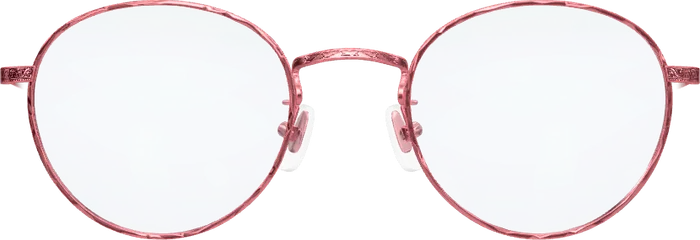
 Elsa
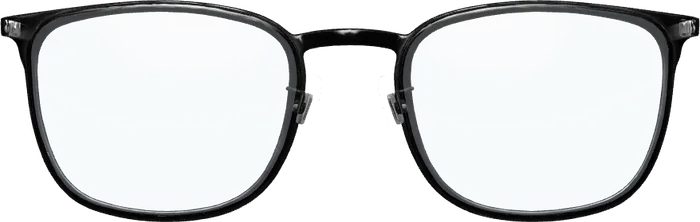 Emil
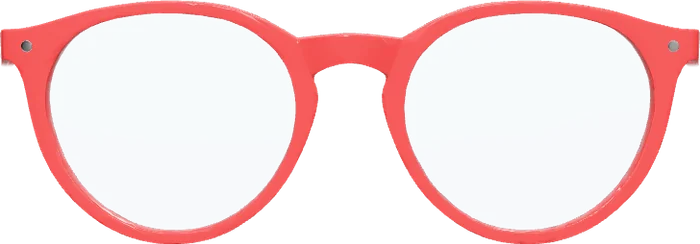 Ines
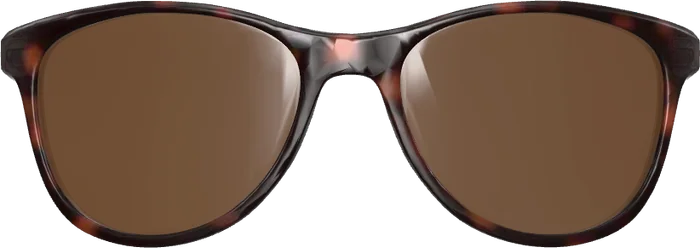 Paul
In short
- You try frames on in the browser of your phone, tablet or computer.
- There is no app to install and no account to create.
- The camera picture is processed on your device. Nothing is uploaded or stored.
How to try on glasses online
It takes less than a minute. All you need is a device with a camera.
Open the try-on
Tap “Try glasses on now”. It opens in your browser; nothing is downloaded.
Allow the camera
Your device asks for the camera once. It is used for the try-on only.
Switch frames
The glasses sit on your face and follow your head. One tap takes you to the next pair.
See it on your own face.
Free, no app and no sign-up. The camera picture never leaves your device.
What a virtual try-on shows, and what it cannot
The software finds your face in the camera picture and places the frame on it as a 3D model. Turn your head and you see the glasses from the front, at an angle and from the side, temples included.
- Shape: whether round or angular lenses suit your face better.
- Colour: how a dark, a light or a coloured rim looks with your hair and skin.
- Presence: whether you prefer a fine frame or a bold one.
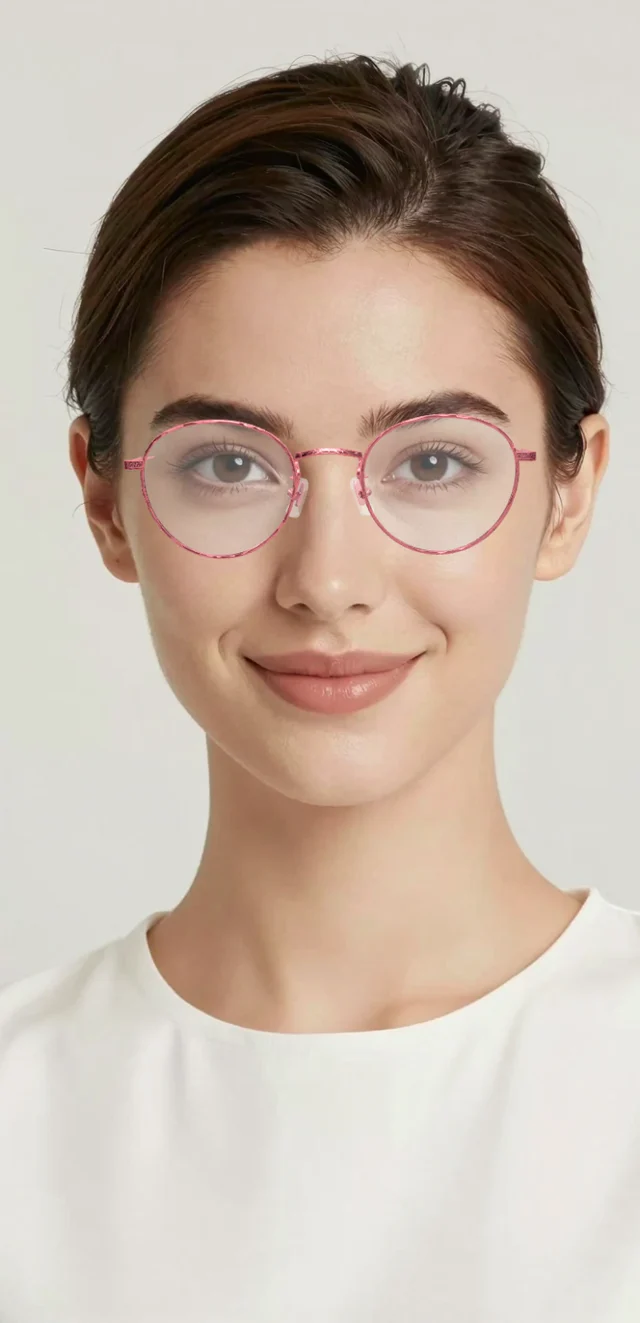
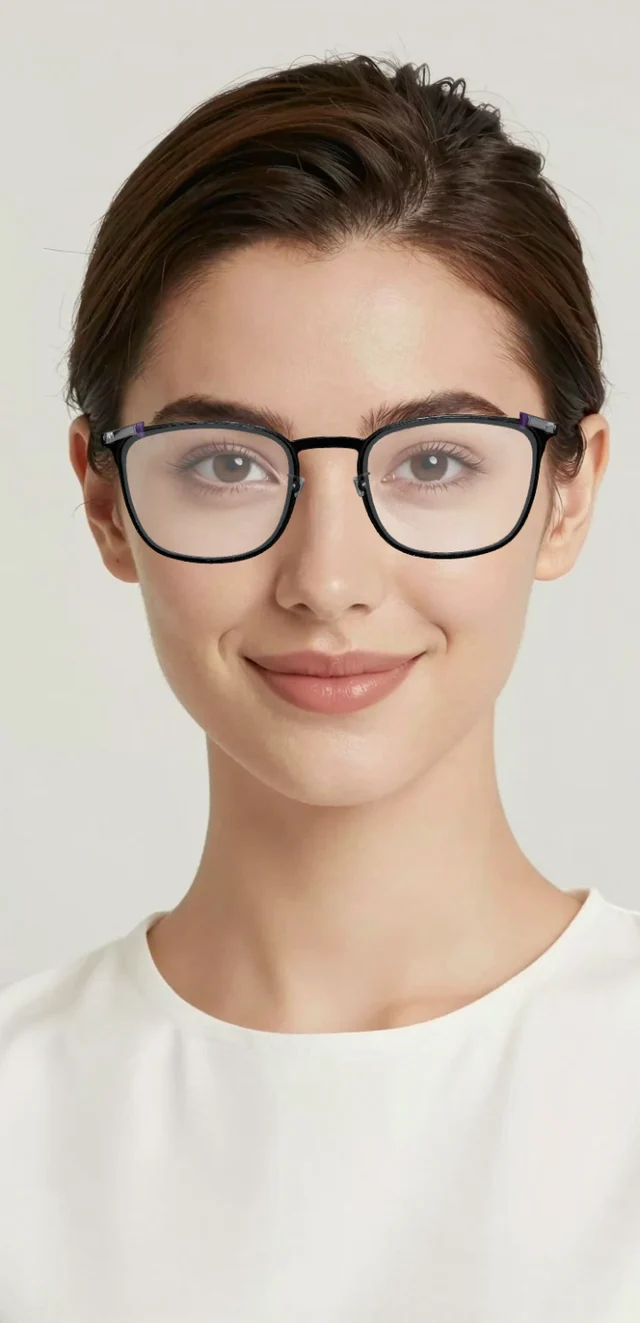
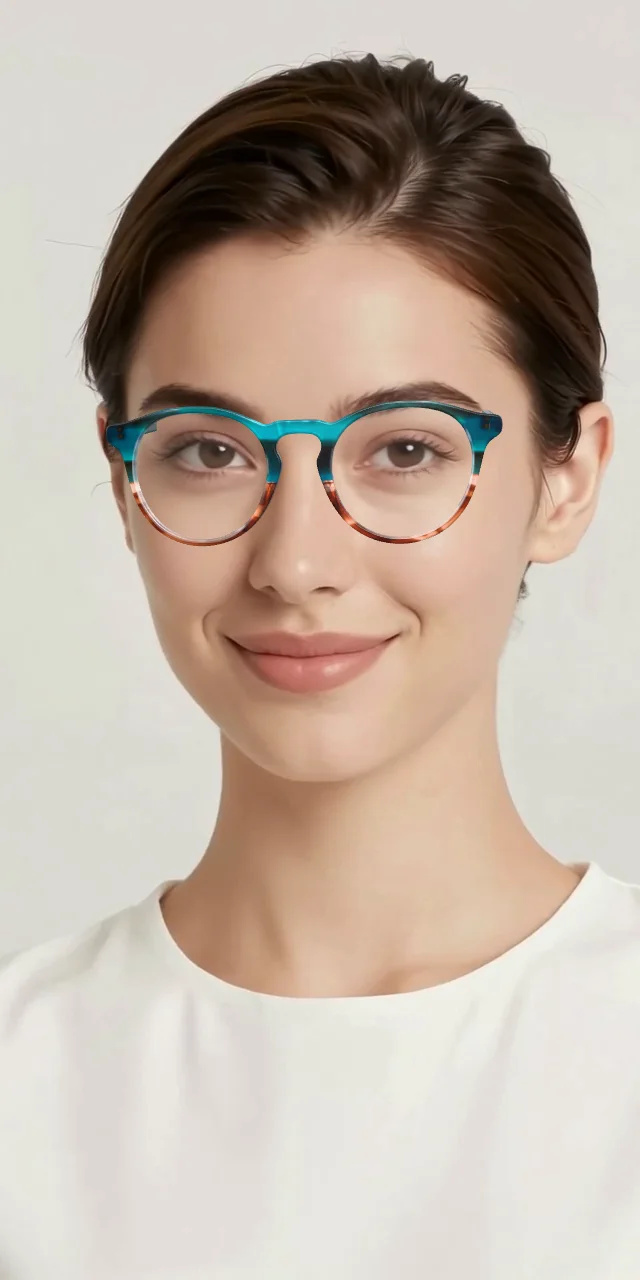
What it cannot replace is the feel on your nose. Whether a frame pinches, slips or is too heavy, you only learn with the real thing. That is what your optician adjusts.
A glasses try-on without an app
Many try-ons come as an app you have to install first. This one runs in the browser you already use. It works on phones, tablets and computers with a camera, in a current Chrome, Safari, Edge or Firefox.
It is also a live try-on, not a photo tool: you do not upload a picture of yourself. That makes it faster, and it means there is no photo of you on anybody’s server.
Five tips for a good picture
- Take your own glasses off, or two frames will overlap.
- Face a window. Even light from the front works best.
- Hold the phone at eye level, about an arm’s length away.
- Move your hair off your forehead and temples.
- Turn your head slowly left and right to see the temples.
What happens to your camera picture
It stays on your device. Face tracking and drawing the glasses both happen on your phone or computer. No picture and no video is sent anywhere or stored. Close the try-on and the camera is off.
Which frames to try first
Start with two opposites: one round frame and one angular one. The difference shows you the direction at once. The rules of thumb are in what glasses suit my face. If you would rather hold real frames, read about trying glasses on at home.
Whose try-on is this?
The try-on on this page is Optisona. It is software for opticians: a shop builds it into its website, and its customers try on that shop’s range there. The frames here are a demo; you cannot buy them on this page.
More on thisVirtual glasses try-on for online shops