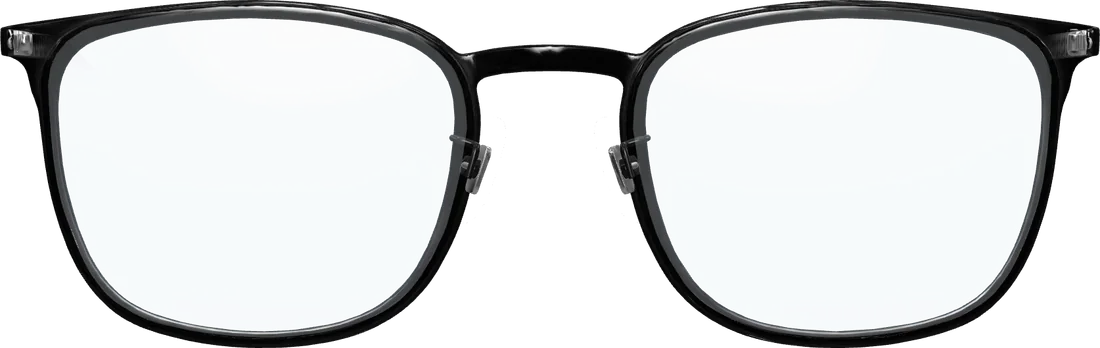
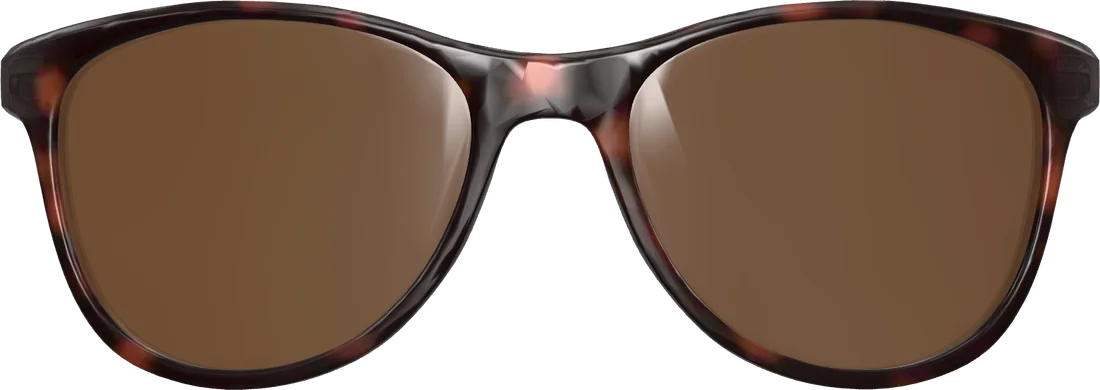
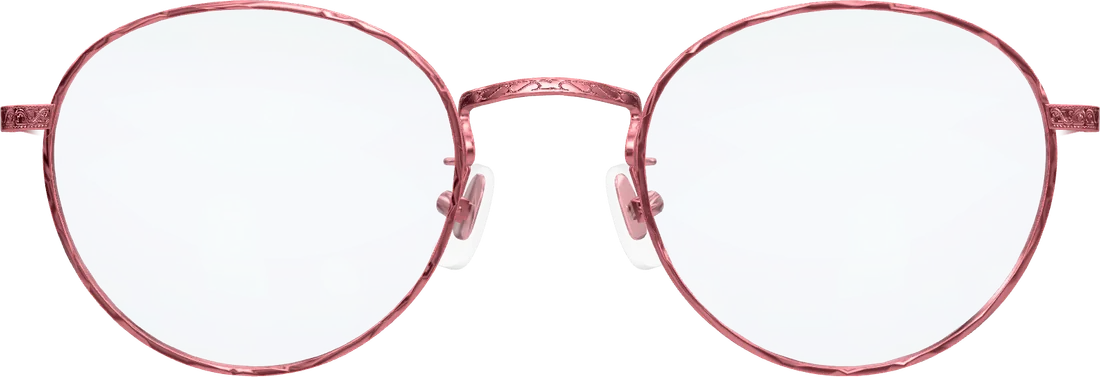
From a 3D model
Many manufacturers supply 3D models of their frames. You upload the file and the manager aligns it. The result looks real from every angle.
Your frames
The try-on shows the frames you sell. You add them in a simple manager, or we do it for you.
Two ways
Many manufacturers supply 3D models of their frames. You upload the file and the manager aligns it. The result looks real from every angle.
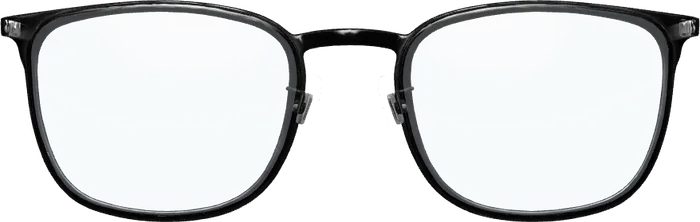
No 3D model at hand? A front picture and one of a temple are enough. From the front the frame looks convincing; from the side it stays flat.
In the manager
Drag the 3D model or the photos into the window.
Three sliders settle the glasses on the head model.
So the try-on knows which frame belongs to which product.
Rather hand it over?
You tell us your frames; we add them with the right fit and your article numbers. You check the result in the try-on.
Open the live demo on your phone and try on a pair. It takes less than a minute.
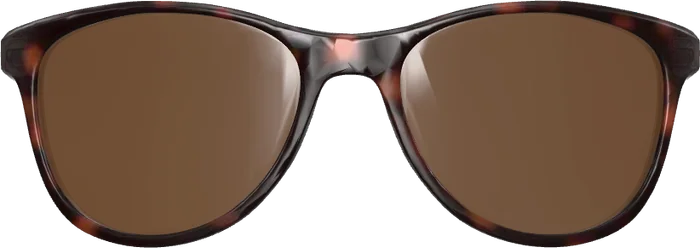 Front