

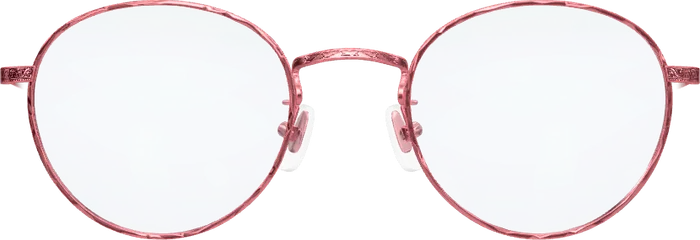
 Elsa
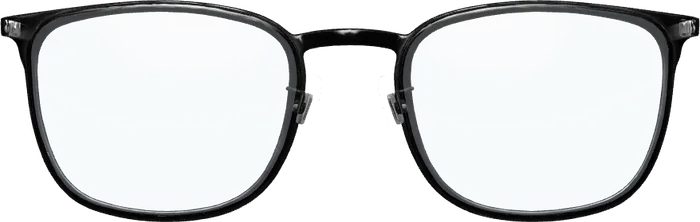 Emil
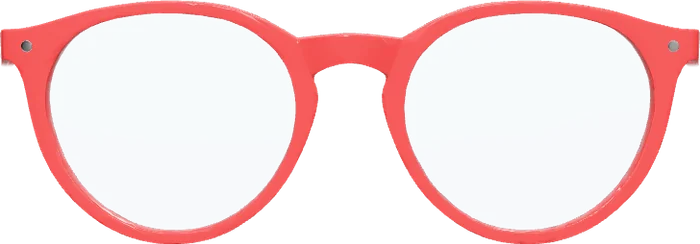 Ines
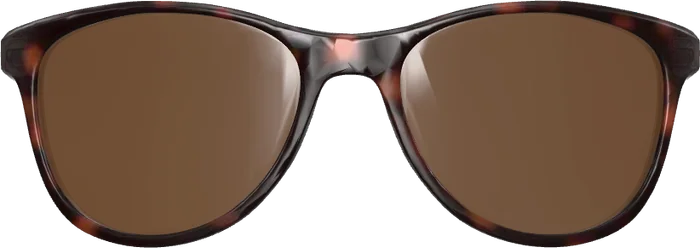 Paul
In short
- A home trial sends real frames to your door for a few days.
- A virtual try-on shows frames on your face at once, in the browser.
- Use the virtual one to narrow the choice, the real one to check the fit.
Two ways to try on eyeglasses at home
- Home trial by post: some online retailers send a handful of frames, usually without prescription lenses. You wear them for a few days and send them back.
- Virtual try-on: your camera becomes the mirror. The frame is drawn onto your face live, in 3D, and follows your head.
How they compare
- Speed: virtual is instant. A parcel takes days each way.
- Choice: virtually you can go through many frames in minutes. A parcel holds only a few.
- Fit and weight: only real frames tell you whether they pinch, slip or feel heavy.
- Other opinions: real frames you can show around at home. A virtual try-on you can show on your phone.
- Effort: a parcel has to be returned on time. A virtual try-on has nothing to return.
See it on your own face.
Free, no app and no sign-up. The camera picture never leaves your device.
The sensible order: virtual first
Start with the virtual try-on to find out which shapes and colours suit you at all. That usually rules out most of a range within minutes. Then order, or go and see, the two or three frames that are left. Which shapes to start with is covered in what glasses suit my face.
What to check once you hold real frames
- The frame is about as wide as your face at the temples.
- It stays in place when you look down and shake your head.
- Nothing presses behind the ears or on the nose after ten minutes.
- It does not rest on your cheeks when you smile.
To order lenses you will also need your pupillary distance. See how to measure your PD.
About the try-on on this page
The virtual try-on here runs in your browser with no app and no sign-up, and the camera picture stays on your device. It is Optisona, software that opticians put into their own shops; the frames are a demo and are not for sale here. How it works in detail: virtual glasses try-on.