

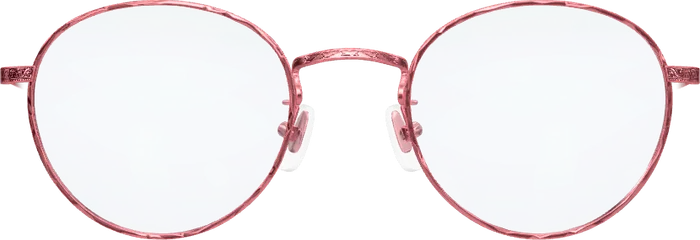
 Elsa
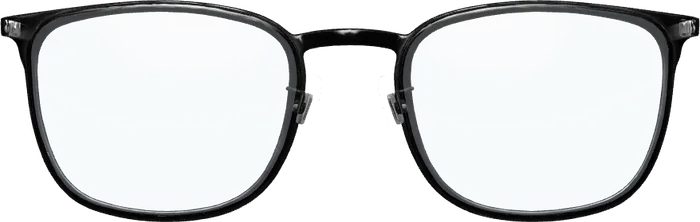 Emil
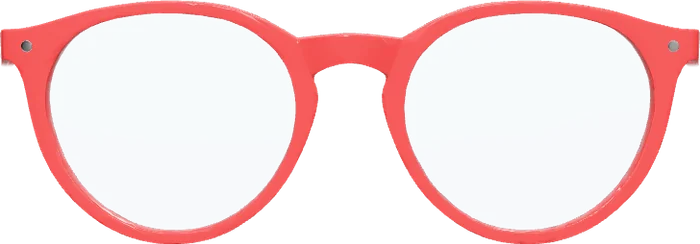 Ines
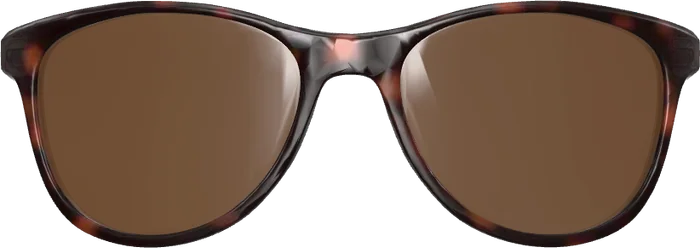 Paul
In short
- A try-on shows your frames on the customer’s face, live through the camera.
- Most products are rented by the month. Optisona is bought once, for €700.
- Ask where the camera picture goes, how your frames get in, and what happens if you stop paying.
What virtual try-on software does
Your shop gets a second button next to “Add to cart”: “Try it on”. The customer taps it, allows the camera, and the frame appears on their face in 3D. It follows the head, and other frames are one tap away. In effect it is the advice from your store, online.
It removes the biggest obstacle to buying glasses on the internet: nobody knows whether a frame suits them. How this looks in a shop is shown under how it works.
Renting or owning: the pricing models
- Subscription: a monthly or yearly fee, often tiered by visitors, try-ons or number of frames. If you stop paying, the try-on is switched off.
- Usage-based: a charge per try-on or per session. Costs rise with success.
- One-time licence: you pay once and keep it. This is how Optisona is sold.
Over three years a subscription is thirty-six payments. A licence is still the one.
More on thisPricing: what the €700 includeSeven questions to ask any vendor
- What does it cost over three years? Add up fees, setup and per-frame charges.
- App or browser? Every download you ask for loses customers.
- Where does the camera picture go? On the device, or to a server?
- How do my frames get in? Do you need 3D models, and who makes them?
- What do I need to install it? A developer for weeks, or a small addition to the shop template?
- Where does it run? Only at the vendor, or also on your own server?
- What happens if I leave? Do you keep anything?
How Optisona answers them
- €700 once for the licence of one website. No subscription, no fee per try-on.
- It runs in the browser on phones, tablets and computers. No app.
- Face tracking and rendering happen on the customer’s device. No picture or video is sent or stored.
- Frames come from 3D models or simply from your product photos. See adding frames.
- Installing it is a small addition to your shop’s template. Your agency does it, or we do on request.
- We run it for you, or you receive it as a package for your own server.
- It is yours. On your own server it runs with no connection to us.
Two add-ons can be bought later, each once: “Ask friends” for €250 and “3D from photos” for €400. Both are described under add-ons.
Try it before you decide
Open the live demo on your phone; it takes a minute. For the manager side, ask for a personal demo: you get your own access, add your own frames and use everything as you would later in your shop.
Running Shopify or WooCommerce? Read virtual try-on for Shopify. Comparing vendors? See the types of providers.