

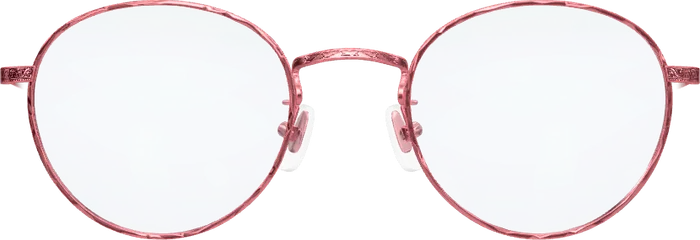
 Elsa
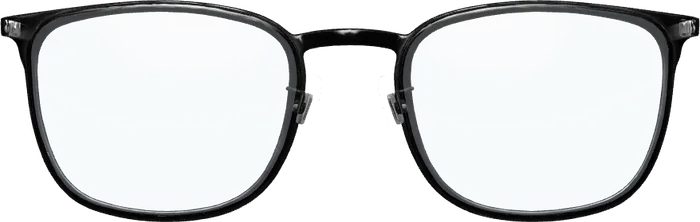 Emil
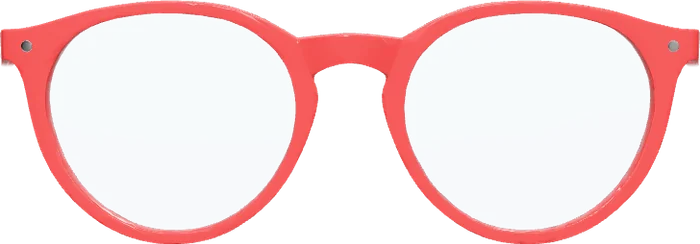 Ines
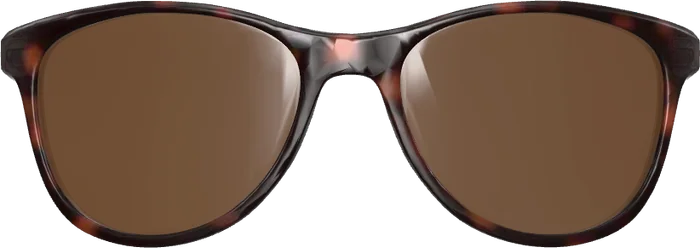 Paul
In short
- Optisona is not an app-store plugin. It is a small addition to your theme.
- Each “Try it on” button is tied to one of your products by its article number.
- It costs €700 once per website, on any shop system.
How the try-on gets into your shop
Two things are added to the shop’s theme: one line that loads the try-on, and a “Try it on” button on the product template that carries the product’s article number. From then on, every product with a frame in your try-on shows the button.
Nothing else changes. Checkout, cart, product data and theme stay as they are. Your shop must be served over https, which Shopify and any current WooCommerce host provide.
On Shopify
The addition goes into the theme’s code, which every Shopify plan lets you edit. Whoever looks after your theme does it with our guide; on request we do it for you and test it on phone and desktop. Because it is not an app from the App Store, there is no monthly app charge on your Shopify bill.
On WooCommerce
On WordPress with WooCommerce the same two pieces go into the theme, ideally a child theme so that updates do not remove them. No additional plugin has to be kept up to date.
Getting your frames in
You manage frames in your own manager, not in the shop’s admin. A frame comes from a 3D model or from two product photos, and gets the article number of the product it belongs to. Adding one takes minutes. Details: adding frames.
More on thisHow the try-on looks in your shopWhere it runs
Either we run the try-on for you, or you receive it as a package for your own server. In both cases the customer’s camera picture is processed on their own device and never sent anywhere.
What to ask before choosing any product is covered in virtual try-on software for eyewear retailers. How the different kinds of vendors compare: types of providers.